
Pan card apply online in T Nagar with clear steps, document checklist, instant e-PAN via Aadhaar, status check, and fixes for errors. Start your application today.
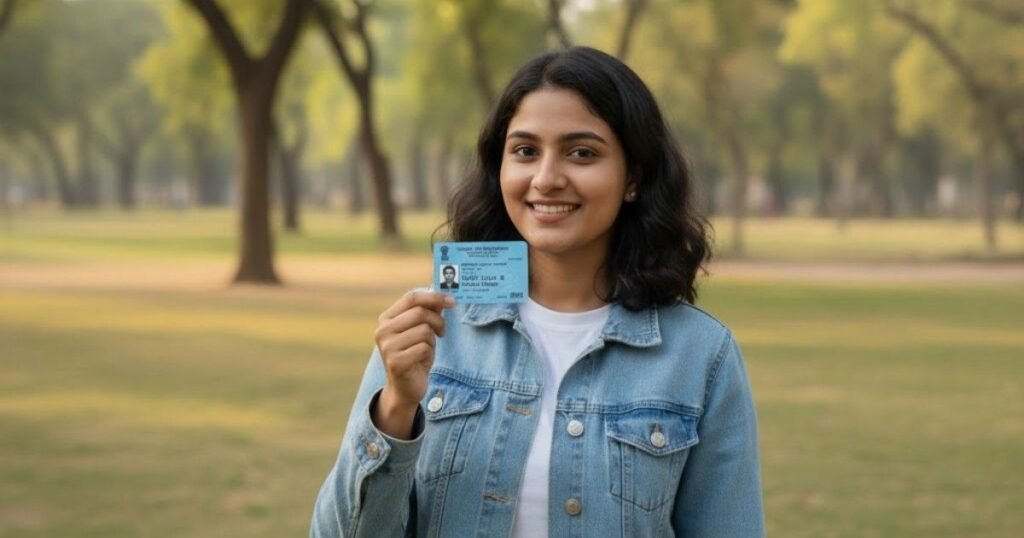
If you searched “pan card apply online in T Nagar,” you probably want a simple path that avoids back-and-forth, wrong document uploads, and delays. This guide shows you exactly how to complete the process online, how to get an instant e-PAN with Aadhaar, and how to fix common errors like name or date-of-birth mismatch. Where it helps, we add local tips for T Nagar residents and nearby areas like Usman Road, Pondy Bazaar, Kodambakkam, and Nungambakkam. We also include a document checklist, timelines, status tracking, and fees with official references.
How PAN Card apply online in T nagar works and your fastest route in T Nagar
For most individuals, the fastest route is Instant e-PAN. If you have Aadhaar with a linked mobile number, you can generate a digitally signed PAN in minutes. It is free on the Income Tax e-Filing portal and suits first-time individual applicants who are not minors.
If you need a physical card or have a case that does not fit instant e-PAN, apply online through Protean (formerly NSDL eGov) or UTIITSL. Both portals accept Form 49A for Indian citizens and deliver a physical card to your address after verification.
Who should use which route
- Instant e-PAN: First-time individual applicant, adult, with Aadhaar and OTP on the same mobile number. Good for urgent needs like bank account opening or college admission. Free, PDF issued quickly.
- Online PAN via Protean or UTIITSL: Needed when you want a physical card, need minor PAN, NRI PAN, company PAN, or have special cases. Fees apply as per address category.
Step-by-step: Pan card apply online in T Nagar
A) Instant e-PAN with Aadhaar OTP
- Go to the Income Tax e-Filing portal and select Instant e-PAN.
- Enter Aadhaar, accept consent, verify with OTP.
- Confirm details and submit.
- Download the e-PAN PDF.
This route has no fee on the e-Filing portal.
B) New PAN through Protean or UTIITSL
- Choose Form 49A for Indian citizens.
- Fill your details, upload photo, signature, and supporting PDFs as per specs.
- Pay the applicable fee.
- Save the acknowledgement number and track your status online.
Document checklist: pan card apply online in T nagar documents
Use this list to avoid rejections:
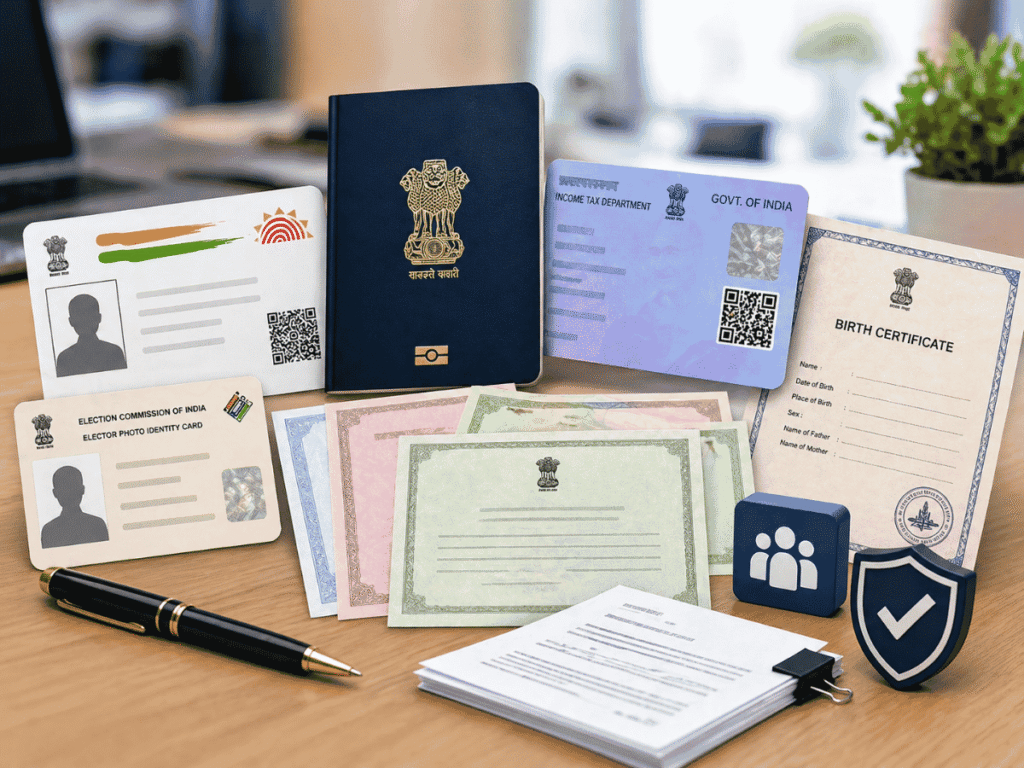
- Proof of Identity: Aadhaar is widely accepted and now mandatory to quote for PAN allotment.
- Proof of Address: Aadhaar, passport, voter ID, driving licence, or bank statement as permitted on the portal.
- Proof of Date of Birth: Birth certificate, passport, matriculation certificate, or Aadhaar as allowed.
- Photo and Signature files: See size and format specs below to prevent upload errors.
Special cases
- Minor PAN: Parent/guardian documents and signature will be used. Apply via Protean or UTIITSL.
- NRI PAN: Extra proofs depending on overseas status. Apply via Protean or UTIITSL.
- Company PAN in T Nagar: Use Form 49A for Indian entities, with Certificate of Incorporation and relevant proofs.
Photo, signature, and PDF upload specs that actually matter
Most delays happen due to wrong file sizes. Follow these portal-aligned specs:
- Photo: JPG, about 3.5 cm x 2.5 cm, DPI under 200, ≤ 50 KB on Protean online flow.
- Signature: JPG, about 2 cm x 4.5 cm, DPI under 200, ≤ 50 KB on Protean online flow.
- Supporting documents: PDF, each ≤ 300 KB.
Printed-form guidance also states two recent colour photos, white background, 3.5 cm x 2.5 cm, and do not staple or clip. This also appears in official PAN change and 49A instructions.
Timeline and delivery for new PAN
- Instant e-PAN: Usually generated quickly after Aadhaar OTP authentication. PDF is downloadable and emailed.
- Physical PAN: After successful online submission and verification, printing and courier dispatch follow. Track status using your 15-digit acknowledgement number on the Protean tracking page.
How to track status and download e-PAN
- Protean/NSDL status: Use Acknowledgement Number on the official status page. Select “PAN-New/Change Request” and submit captcha.
- Instant e-PAN: You can re-download from the e-Filing portal with Aadhaar and OTP if needed.
Common mistakes to avoid
- Aadhaar name mismatch: If PAN application shows a mismatch, update Aadhaar first, then apply.
- Wrong photo/signature size: Follow the exact specs to avoid rejection.
- Minor trying instant e-PAN: Instant service excludes minors. Use Form 49A route.
- Using unofficial links or emails: Beware of phishing such as “PAN 2.0” scam emails promising upgrades. Do not share data or click unknown links. Always use official portals.
Corrections and updates after you get PAN
Need to fix spelling, date of birth, or photo. Submit a change request through Protean or UTIITSL with the correct supporting documents. Official guidance confirms photo size, background, and signature rules for change requests as well.
Micro-use cases you asked about
- Pan for college admission in T Nagar: Instant e-PAN works for KYC in many institutions.
- Pan for bank account opening: e-PAN PDF is widely accepted for KYC.
- Company PAN apply T Nagar: Use Form 49A with company documents.
- NRI PAN apply Chennai: Use Protean or UTIITSL with NRI-specific proofs.
Quick how-to: pan card apply online with Aadhaar only in T Nagar
- Confirm Aadhaar is active and mobile is linked.
- Use the Instant e-PAN service.
- Verify with OTP.
- Download PDF.
This is the fastest path for many T Nagar residents.
Need guided help in T Nagar
- New pan card apply online in T Nagar with Aadhaar OTP.
- E-pan card apply online in T Nagar for fast KYC.
- Pan correction and update T Nagar with proper documents.
If you prefer full-service support, our team can help with file sizing, document selection, and tracking.
FAQ:
1) Can I get instant e-PAN with Aadhaar in T Nagar today
Yes, if you are an adult individual with Aadhaar and the phone number linked. The service issues a free e-PAN PDF after OTP verification.
2) What are the photo and signature upload sizes
Photo JPG around 3.5 x 2.5 cm, ≤ 50 KB. Signature JPG around 2 x 4.5 cm, ≤ 50 KB. Supporting PDFs ≤ 300 KB each on Protean.
3) How long does a physical PAN take in Chennai
Processing and dispatch depend on verification and courier cycles. Track progress with your 15-digit acknowledgement on the official Protean status page.
4) My PAN was rejected due to name or DOB mismatch. What next
Correct Aadhaar details first if needed, then reapply or file a change request through Protean or UTIITSL with proofs.
Book slot for Pan Card Apply Online in T Nagar