


Apply for a Smart card application in T Nagar with clear steps, timelines and status tracking tips. Avoid delays, fix errors, and get ration benefits smoothly.
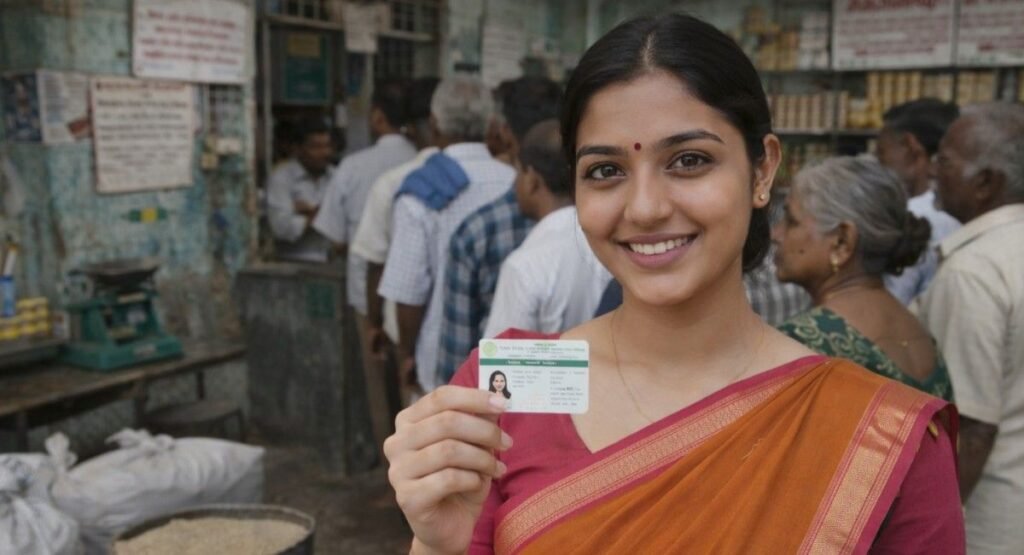
Smart Card Application in T Nagar: A Real, Local, Sensible Guide
Let me guess.
You searched smart card application in T Nagar because someone told you, “Just apply online, it’s easy.” And then reality hit.
- Broken links.
- Confusing forms.
- Different answers from different people.
If that sounds familiar, you’re not alone. I’ve helped multiple families in and around T Nagar apply for their Tamil Nadu smart ration card, and honestly? The process isn’t hard but it is poorly explained.
So let’s fix that.
No government jargon. No recycled internet nonsense. Just a clear, local, step-by-step explanation like we’re chatting over coffee near Pondy Bazaar.
What Is a Smart Ration Card in Tamil Nadu?
A smart ration card is the digital version of the old paper ration card, issued by the Tamil Nadu Public Distribution System (TNPDS).
It’s not just for groceries.
It’s used for:
- Subsidized rice, sugar, wheat, and kerosene
- Address proof for banks and government schemes
- Linking with Aadhaar and family member records
- Accessing welfare benefits
In short, if you live in T Nagar, Chennai, this card matters more than most people realize.
Why Residents in T Nagar Specifically Need a Smart Card
T Nagar is a high-population, high-migration area. People move here for work, business, and rentals all the time. That creates two common problems:
- Address mismatches
- Delays in verification
Landlords change. EB bills aren’t in your name. And suddenly your application gets “kept on hold.”
That’s why applying correctly the first time is crucial.
Types of Smart Cards You Can Apply for in T Nagar
Before you apply, you must choose the right card. This is where many people mess up.
1. PHH Smart Card (Priority Household)
- Eligible for subsidized rice and essentials
- For low-income families
2. NPHH Smart Card (Non-Priority)
- No rice subsidy
- Still valid as official proof
3. NPHH Sugar Card
- Only sugar subsidy
- Common among working professionals in T Nagar
4. No Commodity Card
- No subsidy at all
- Used purely as an address/identity document
Choosing the wrong type can delay approval by weeks.
Smart Card Application in T Nagar: Step-by-Step Process
Here’s the actual workflow, not the ideal version.
Step 1: Collect Documents First
You’ll need:
- Aadhaar card (all family members)
- Address proof (EB bill, gas bill, rental agreement)
- Passport-size photo
- Mobile number linked with Aadhaar
Missing even one document = rejection or endless status updates.
Step 2: Apply Through the TNPDS Portal
Applications are submitted online via the Tamil Nadu Public Distribution System website.
You’ll:
- Create a login using your mobile number
- Select New Smart Card Application
- Enter family details carefully (spellings matter!)
Pro tip: Use the same spelling as Aadhaar. One extra letter can stall verification.
Step 3: Choose the Correct Fair Price Shop (FPS)
For T Nagar residents, FPS selection depends on:
- Street and ward
- Existing shop load
- Availability of ration officer
Choosing the wrong FPS often causes silent delays.
Step 4: Submit and Save the Reference Number
This number is gold. Screenshot it. Write it down. Email it to yourself.
You’ll need it to track your status of smart card application in T Nagar.
Smart Card Application Status in T Nagar: What Each Update Means
Checking status is easy. Understanding it? Not so much.
Here’s what the common statuses actually mean:
- Application Submitted – Data entered, nothing reviewed yet
- Under Verification – Officer checking documents
- Field Verification Pending – Local visit may happen
- Approved – Card will be generated
- Rejected – Something went wrong (details often vague)
For TNPDS smart card application status in T Nagar, Chennai, verification usually takes 15–30 working days, depending on backlog.
Why Applications Get Delayed in T Nagar
Let’s be honest. Delays aren’t random.
Common causes:
- Rental address without owner consent
- Mismatch between Aadhaar and EB bill
- FPS overload in busy streets
- Incorrect family member mapping
- Multiple applications from same address
I’ve seen people wait months for something that could’ve been fixed in one visit.
Offline Support for Ration Card in T Nagar, Chennai
Yes, online is mandatory but offline help still matters.
You can visit:
- Nearest Civil Supplies Office
- Assigned Fair Price Shop
- Authorized service centers like S2 Multi Services
Offline support helps when:
- Status hasn’t changed for 30+ days
- Application shows “rejected” without reason
- Name corrections are needed
Sometimes, a 10-minute conversation saves 3 months of waiting.
How Long Does It Really Take?
Let’s skip the official promises.
From experience:
- Best case: 15 days
- Average: 25–35 days
- Problem cases: 45–60 days
T Nagar falls in the average to slow category due to population density.
Smart Card Corrections and Updates in T Nagar
Already have a card but need changes?
You can update:
- Address
- Family member addition/removal
- Mobile number
- Card type change
Each update restarts partial verification, so accuracy still matters.
Common Myths (That Waste Your Time)
- “Agent will make it faster” → Not always
- “Multiple applications help” → They don’t
- “Status not updating means rejected” → Often false
- “Any address proof works” → Definitely not
Stick to verified information, not neighbour advice.
Practical Tips From Someone Who’s Seen It All
- Apply mid-week, not Mondays
- Avoid festival seasons
- Double-check spellings aloud
- Keep soft copies ready
- Follow up only after 15 working days
These small things make a big difference.
Final Takeaway (No Sugar-Coating)
Applying for a smart card in T Nagar isn’t difficult but it punishes careless mistakes.
If you do it right:
- You’ll get approved smoothly
- Status tracking makes sense
- No unnecessary visits
If you rush it?
You’ll be checking the same status for weeks.
Take it slow. Do it clean. You’ll thank yourself later.
FAQs – Smart card Application in T Nagar
1. How do I apply for a smart card application in T Nagar correctly?
To apply for a smart card application in T Nagar, gather Aadhaar, address proof, and family details first. Submit the application through the TNPDS portal, choose the correct Fair Price Shop, and ensure all spellings match Aadhaar records. Most delays happen due to address mismatches or incorrect FPS selection, so double-check everything before submitting.
2. How can I check smart card application status in T Nagar online?
You can check your smart card application status in T Nagar by logging into the TNPDS website using your registered mobile number and reference ID. Status updates like “under verification” or “approved” appear there. If the status doesn’t change for over 30 days, offline follow-up may be required.
3. What does TNPDS status smart card application in T Nagar, Chennai usually show?
TNPDS smart card application status in T Nagar, Chennai typically shows stages like submitted, under verification, field verification pending, approved, or rejected. Field verification may include a local check. Processing time varies based on workload, especially in busy localities like T Nagar.
4. Is ration card in T Nagar, Chennai mandatory for government benefits?
Yes, a ration card in T Nagar, Chennai is often required to access subsidized food items and several state welfare schemes. It’s also widely accepted as address proof. Even non-subsidy cards are useful for official documentation and linking government services.
5. Why is my smart card application in T Nagar delayed or rejected?
A smart card application in T Nagar is usually delayed due to address proof issues, Aadhaar mismatches, incorrect family details, or FPS overload. Rejections often lack clear reasons online, so visiting the local Civil Supplies office or service center helps identify and resolve the issue faster.